Title here
Summary here
This document explains how to recover data with the R-STUDIO utility and a bootloader with the Boot Repair ISO.
To simulate data loss, in Windows I will delete a folder of files using the Shift + Del key combination. The deleted folder was located on the Desktop.
Once there are no visible traces left, I will open the R-STUDIO utility:
In Recover, I select the drive where the deleted files were located.
Then, in the Recover Marked section, I navigate to the old location of the files.
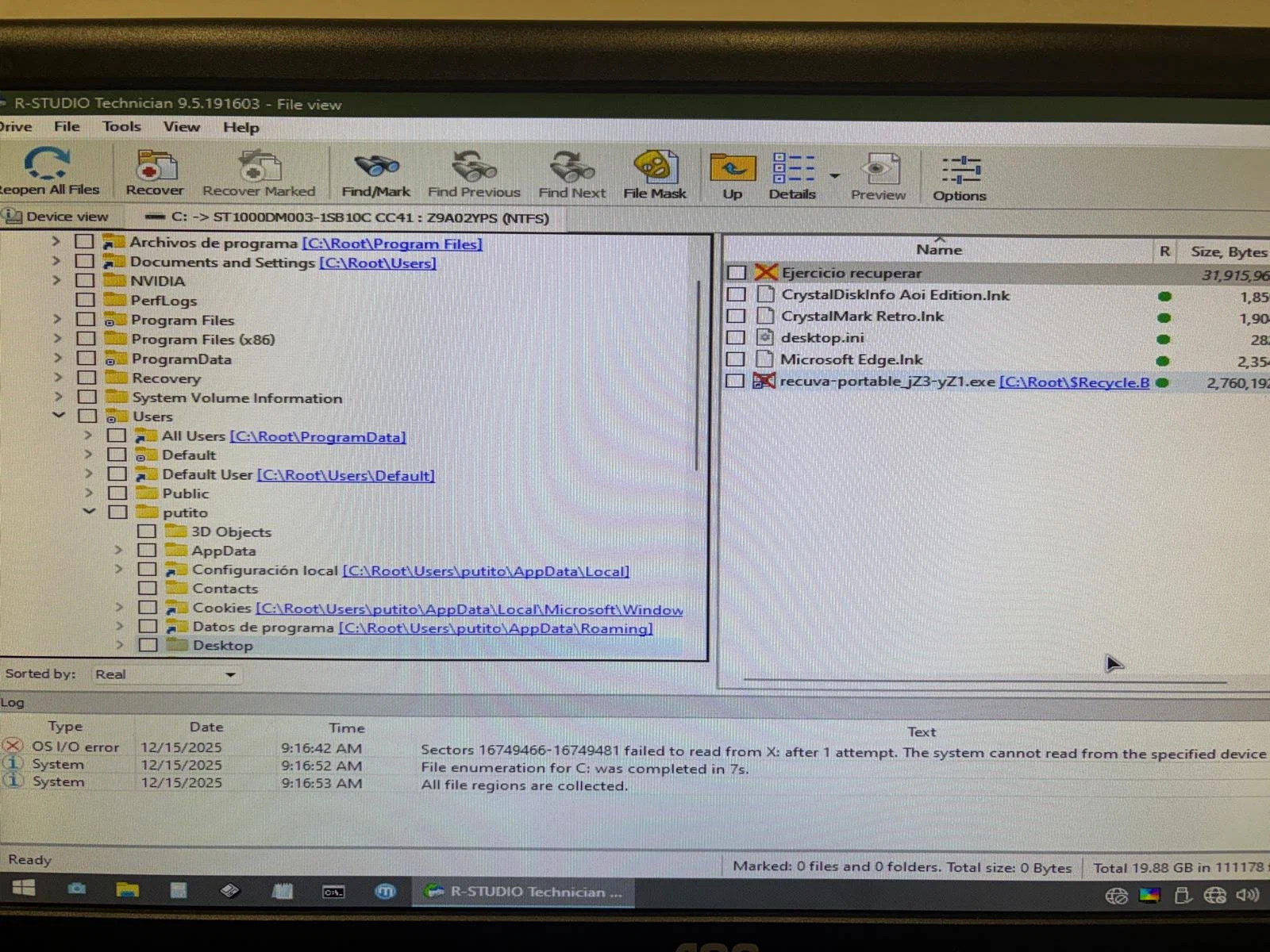
The folder is there.
I select it and, in the pop-up menu, I choose the destination location and accept to save the changes.
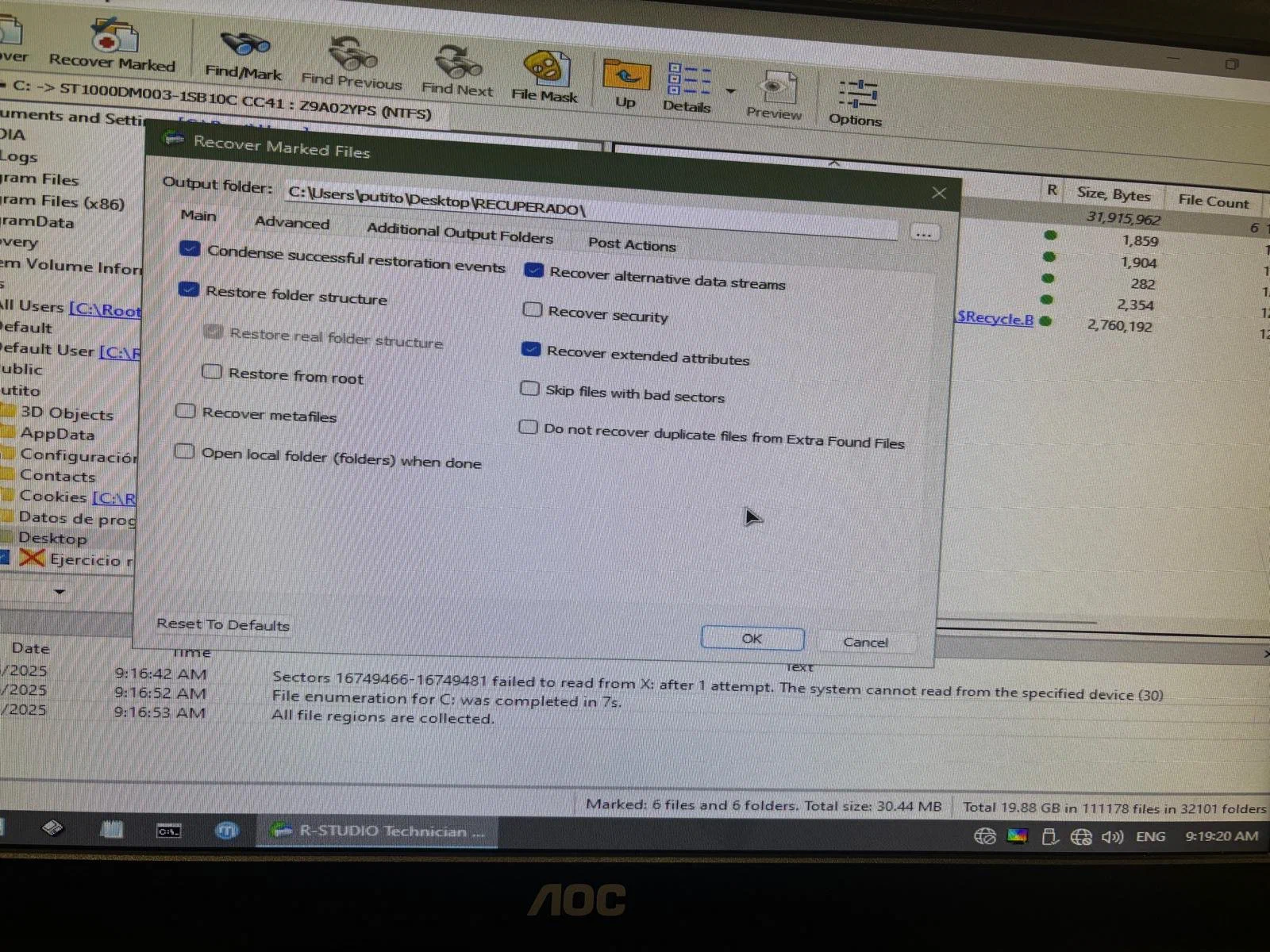
I restart the system and check that the files have been restored to the chosen location:
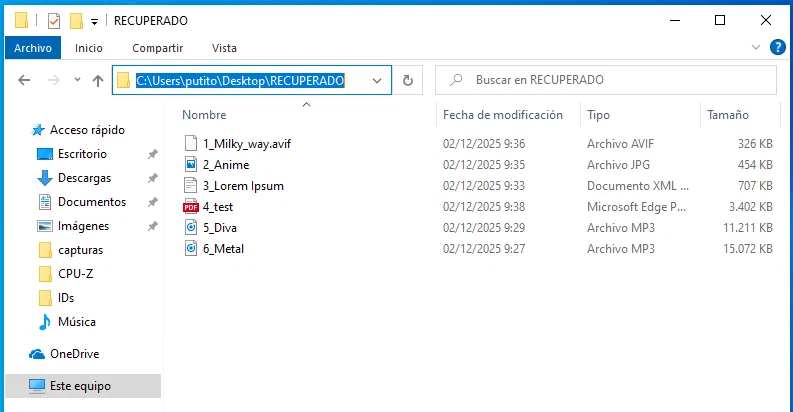
I check the SHA-256 hashes of the old files and the new ones to see whether they remain intact or have been altered.
For the hash of each new file, I use the following command:
Get-FileHash <RecoveredFileName>Now I compare the old hashes with the current ones:
| File | Old | Recovered |
|---|---|---|
| 1_Milky_way.avif | e05d592dc1… | F3544DEC2E… |
| 2_Anime.jpg | 67fb04fc2f… | 5985A41B92… |
| 3_Lorem Ipsum.docx | 6f1bd2d7fc… | 6F1BD2D7FC… |
| 4_test.pdf | 25e671d43f… | 25E671D43F… |
| 5_Diva.mp3 | cadc5e4917… | E3A53BF40D… |
| 6_Metal.mp3 | eb451ce558… | FA10A71DAB… |
Unfortunately, only 3_Lorem Ipsum.docx and 4_test.pdf remain the same. This indicates that some files were partially recovered or had corrupted sectors.
It has not been my best recovery .
For this simulation, I will move the grub boot configuration file from my Lubuntu machine:
sudo mv /etc/grub.cfg /etc/grub.cfg.bakNote: to make it realistic, I will omit the solution of booting the machine with a Live system and manually restoring grub.
I check that the system cannot boot because the bootloader is damaged:
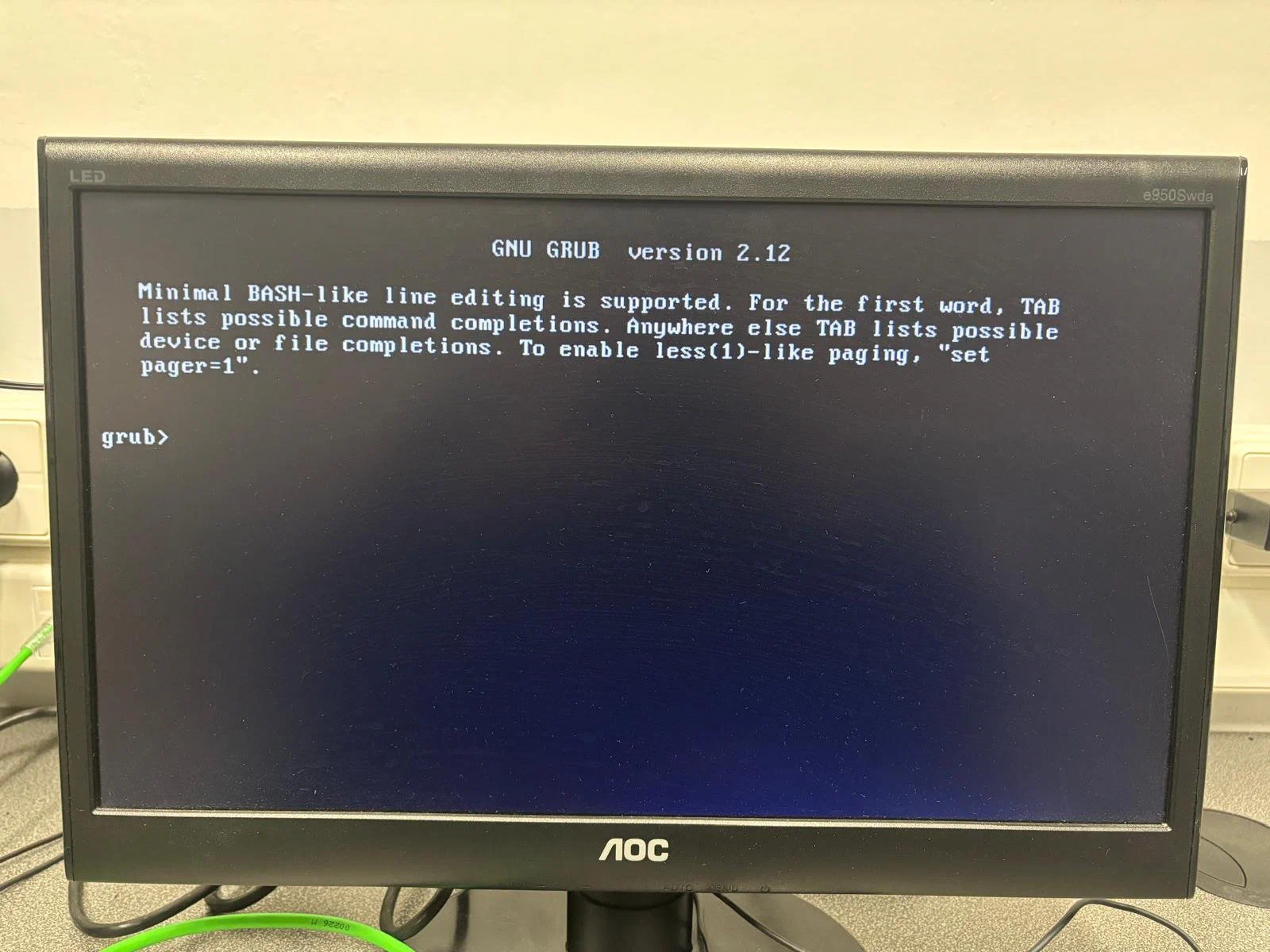
For this recovery, I use the Boot Repair ISO.
Once inside the ISO, a pop-up window will appear. I select the Recommended repair option. I wait for it to finish and restart the system.
Now, if everything has gone well, the grub menu will appear again:
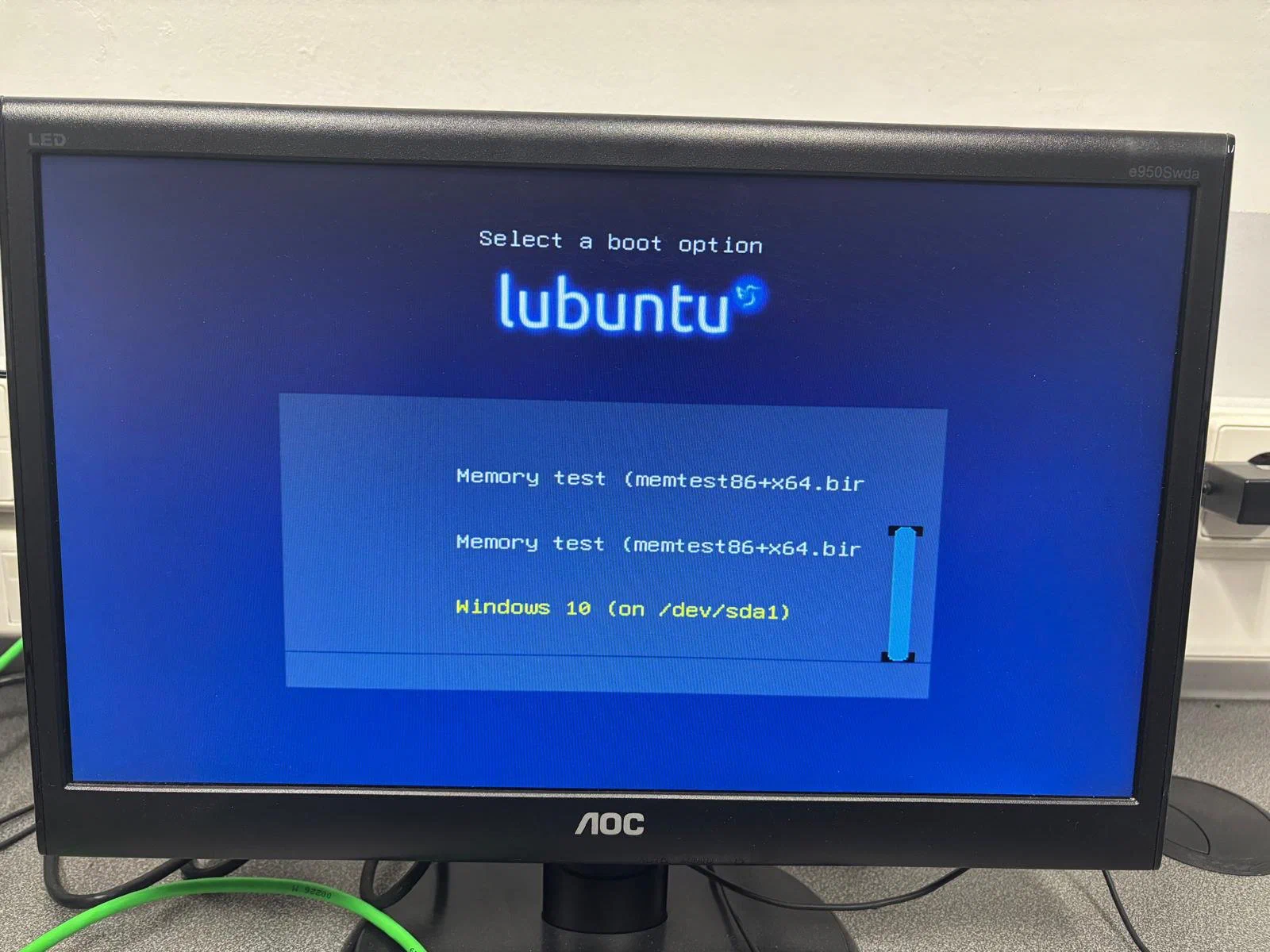
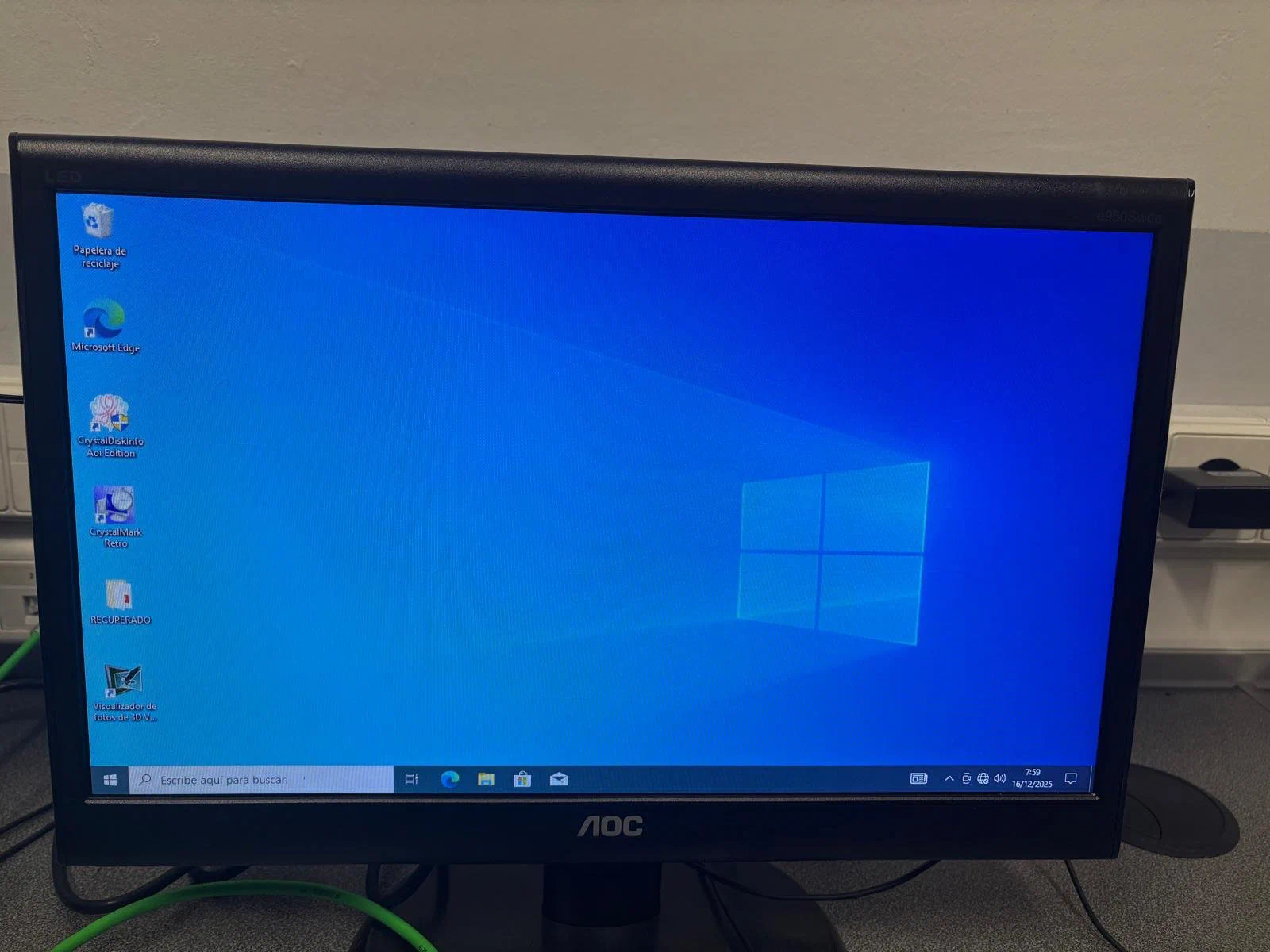
And the systems can be accessed without problems:
This document demonstrates two common failure scenarios and their recovery using specialized tools, highlighting the importance of acting quickly and verifying data integrity.
Edit content/_index.md to see this page change.
Add Markdown files to content to create new pages.
Edit your config in config/_default/params.toml.
Learn more in the Docs.